
Logo

QR code for file uploads

Make PDFs, menus or instructions available by scan – optionally password-protected.

Create a free account

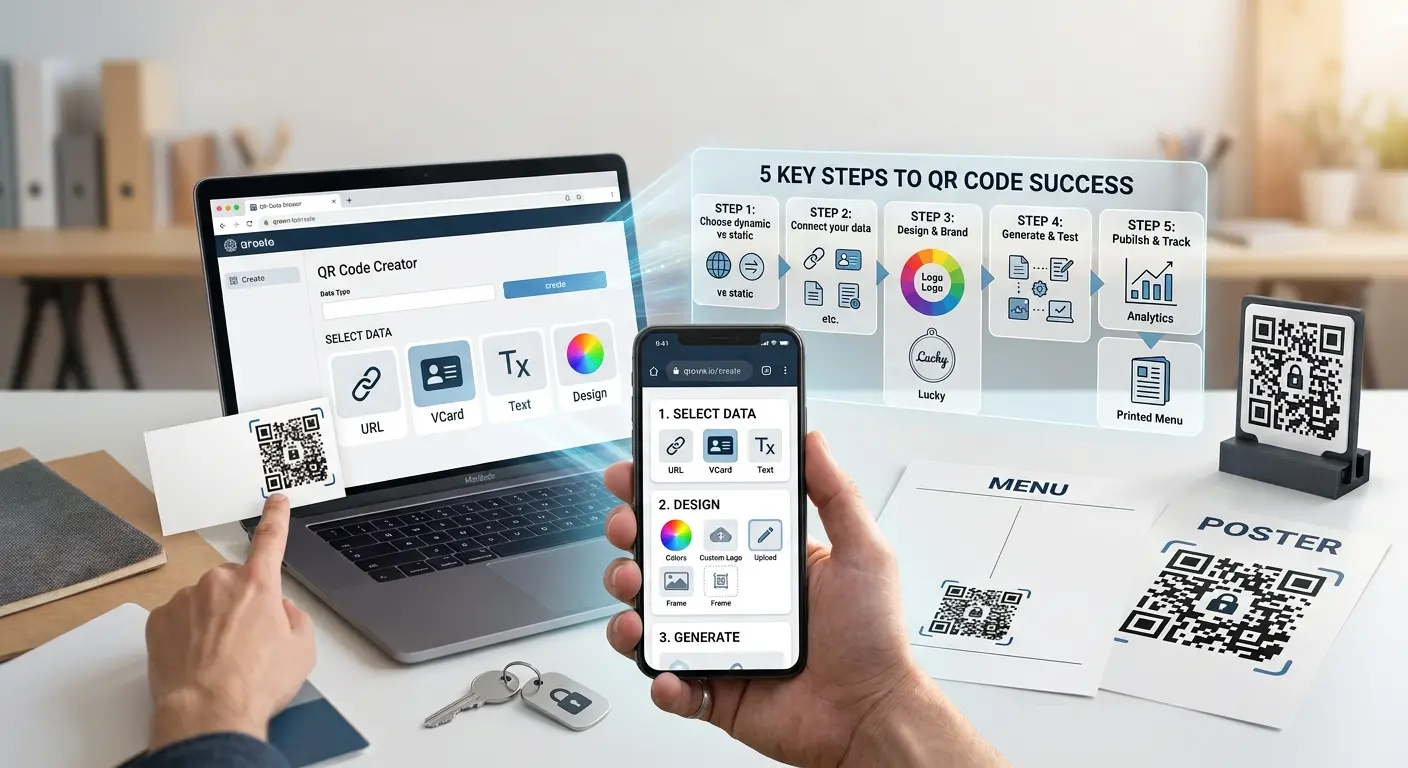
A file upload QR code links to a file you upload directly to QRown – such as a PDF, a menu or a user manual. The code itself stays the same, even if you update the file later.

How it works

1

Upload a file

Upload a PDF, image or document directly to QRown.

2

Configure access

Optionally set password protection and an expiry date.

3

Share it

Print the QR code or share it digitally – the file can be replaced at any time.

Where a file QR code makes sense

Menus

An up-to-date menu without reprinting after every change.

Product documentation

Instructions and data sheets available right on the product.

Forms

Provide forms to fill in and send back digitally.

Why a file QR code from QRown

Password protection & expiry date

Protect sensitive documents with a password and set when access ends automatically.

Replaceable file

The QR code stays the same even if you update the file later – no reprint needed.

Download statistics

See how often and when your file was accessed.

Frequently asked questions

Which file formats are supported?

You can upload PDFs, images and the most common document formats.

Can I replace the file later?

Yes, that is the advantage of this type: the QR code stays identical, and you can replace the file at any time.

Do I need an account for this?

Yes, file uploads are a dynamic feature and require a free account.

How large can the file be?

The maximum file size depends on your plan – you can find details in the plan overview.

What happens after the access date expires?

After the expiry date, the QR code shows a notice page instead of the file – the file itself remains in your account and can be reactivated.

Learn more

Ready for your own QR code?

Created in under a minute — right in your browser.

Create a free account All QR code types