
One scan opens a pre-filled email – with the recipient, subject and text of your choice.
Create one now, freeNo sign-up, no credit card.
An email QR code opens the mail app when scanned, with the recipient, subject and message already filled in. This makes it much easier to get in touch, give feedback or send enquiries – nobody has to type the address.
Enter the recipient address, subject and optionally a pre-written text.
Choose colours and style to match your brand.
Print it on a flyer, poster or business card.
A direct line for support requests without typing the address.
Customers respond faster with a pre-written subject.
Newsletter or event sign-up with a simple scan.
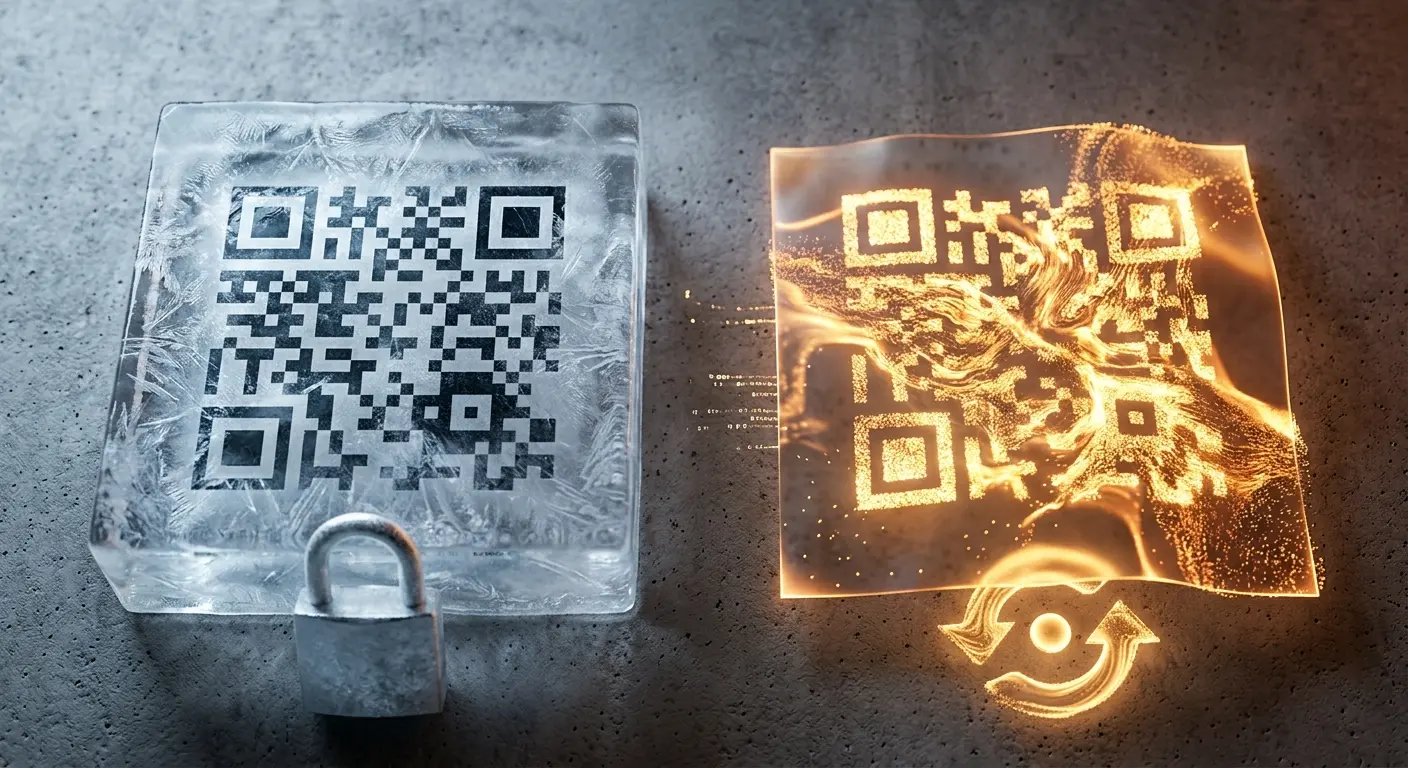
Static email codes remain valid permanently – no costs, no sign-up.
If you change your support address, create a dynamic code with a free account and adjust its destination at any time.
Colours and style to match your brand – instead of a generic QR code.
Yes, the subject and message text can be set freely and are inserted automatically when the email opens.
The code uses the standard mailto format, which all common mail apps support.
Not with a static code. With a free account you can use a dynamic code whose destination you can change at any time.
Yes, you can enter several addresses separated by commas – they all appear in the To field of the opened email.
No, a QR code cannot attach a file – it only pre-fills the recipient, subject and text. For files, use a file upload QR code instead.
QR codes are ubiquitous in everyday business: They appear on flyers, packaging, invoices, and trade show booths. Most of…
Do you want to create a QR code but aren’t sure whether you need a static or a dynamic one? In this article, you’ll lear…
If you use QR codes on flyers, business cards, posters, or packaging, you expect them to scan instantly and provide a se…
Created in under a minute — right in your browser.