
Date, location and details go straight into your guests' calendar with one scan.
Create one now, freeNo sign-up, no credit card.
An event QR code stores the title, date, time, location and description of an event. When scanned, it opens the smartphone's calendar app with a pre-filled entry – perfect for invitations, so nobody has to add dates by hand.
Enter title, date, time, location and description.
Choose colours to match the invitation or flyer.
Download as PNG and place it on a card, flyer or ticket.
Guests add the date to their phone with one scan.
Invitations with a direct calendar entry instead of a separate email.
Participants never miss a session.
Static event codes remain valid permanently – no costs, no sign-up.
If the date changes, create a dynamic code with a free account and adjust its destination at any time – handy for invitations that are already printed.
Colours to match the invitation or the event's corporate design.
The code uses the standard iCalendar format and works with Apple Calendar, Google Calendar, Outlook and most other calendar apps.
Yes, the start and end dates can be set independently.
A static code cannot be changed. For dates that may still change, a dynamic code with a free account is recommended.
Yes, date and time are stored in iCalendar format with the time zone and correctly converted to your guests' local time.
Yes, the address is saved in the calendar entry and can be opened for navigation directly from the calendar app.
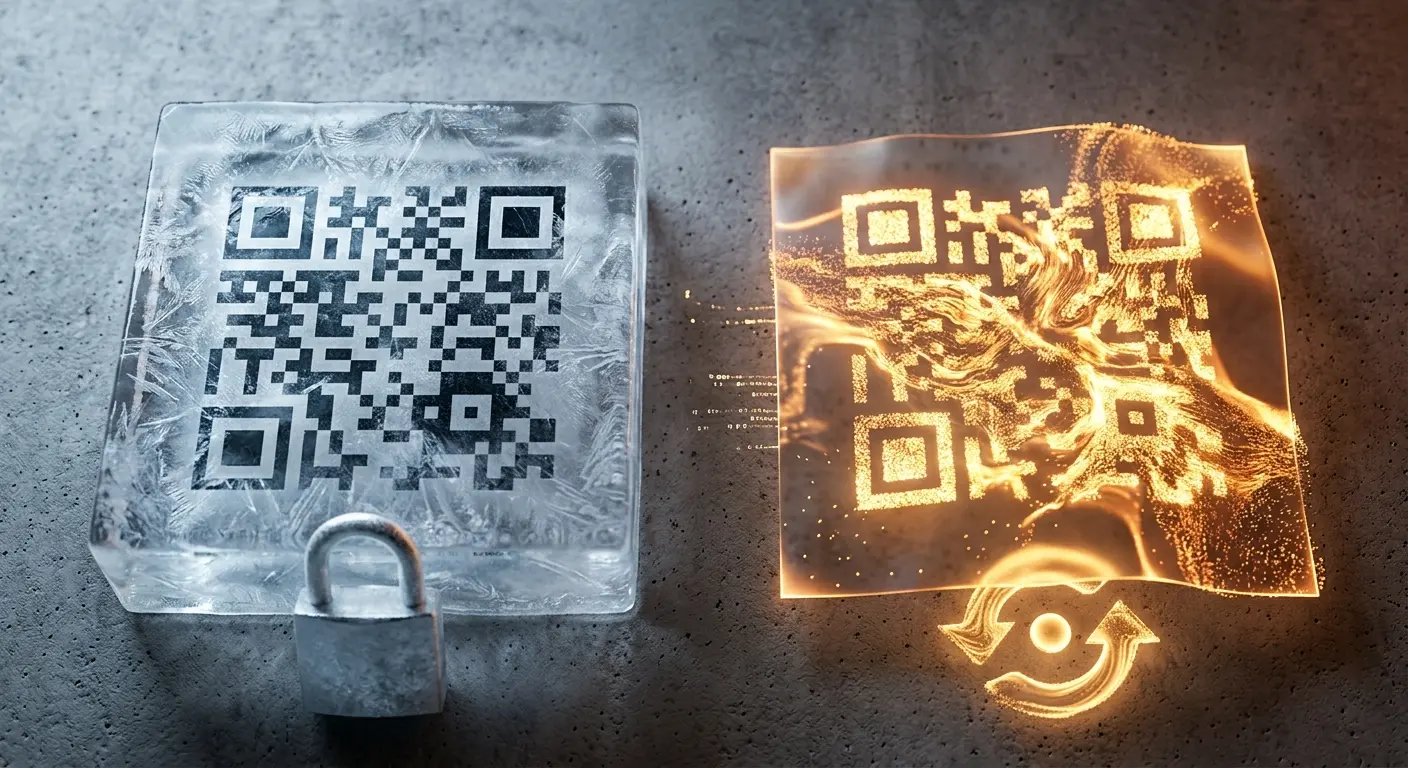
Do you want to create a QR code but aren’t sure whether you need a static or a dynamic one? In this article, you’ll lear…
If you use QR codes on flyers, business cards, posters, or packaging, you expect them to scan instantly and provide a se…
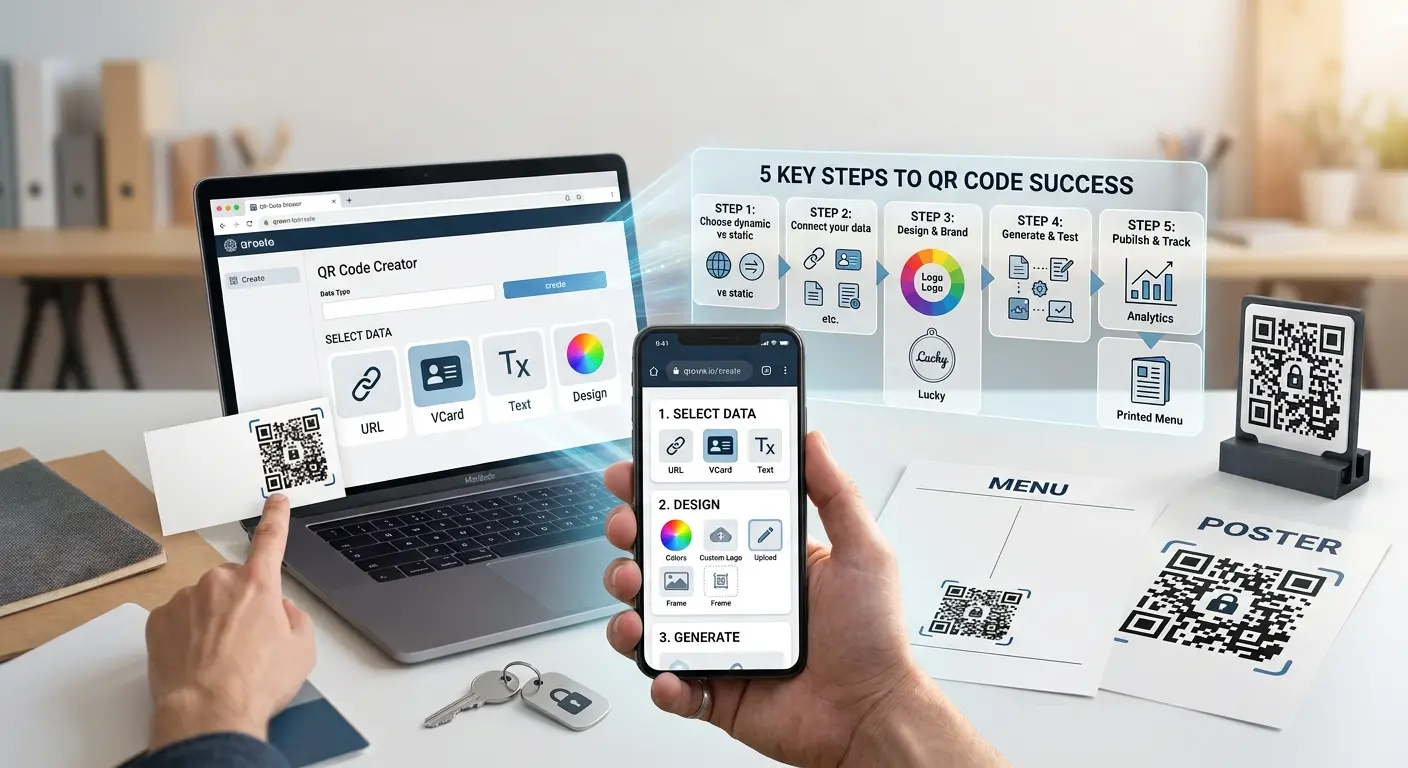
Creating a QR code takes less than five minutes — creating a QR code that scans reliably and delivers measurable results…
Created in under a minute — right in your browser.