
Logo

QR code business card

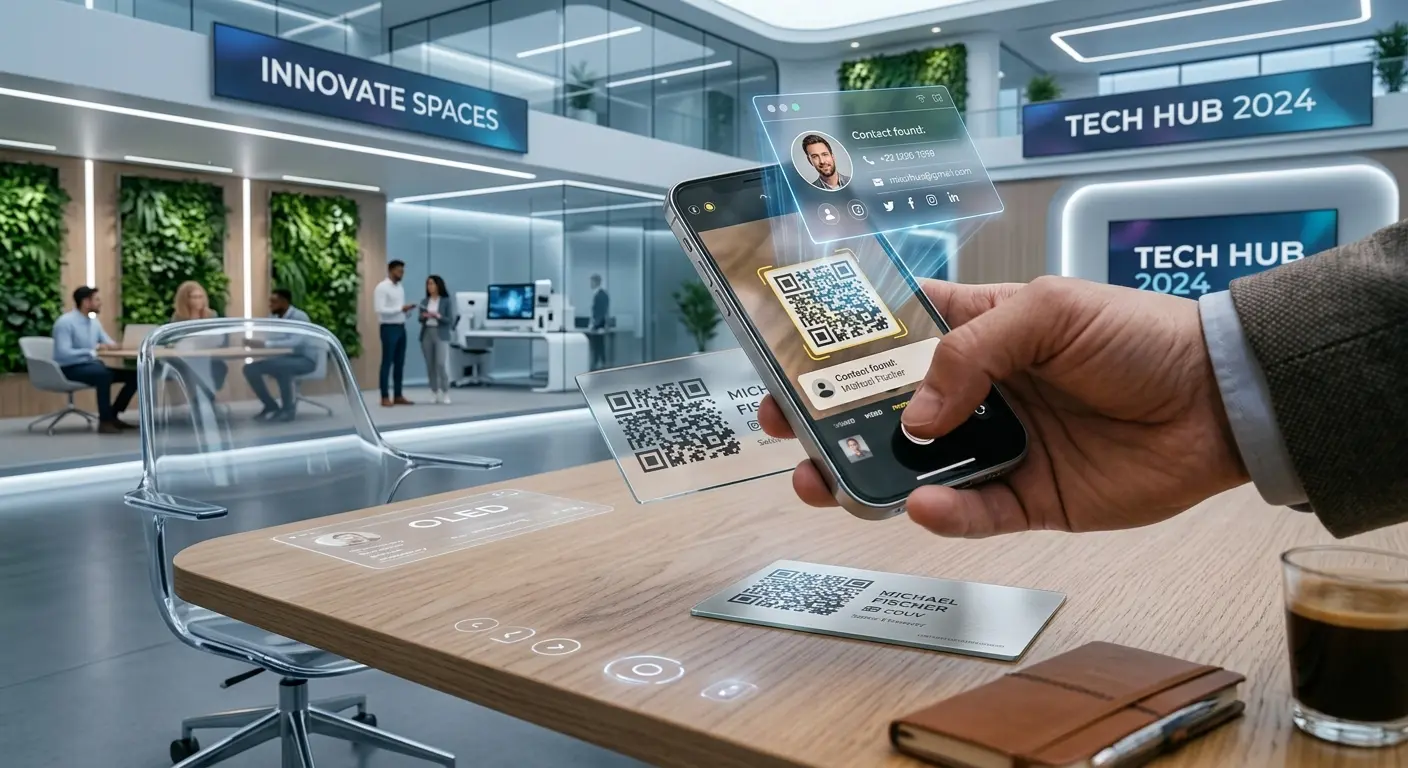
Your contact details go straight into the address book with one scan – no more typing.

Create one now, free

No sign-up, no credit card.

A vCard QR code contains name, phone number, email, company and other contact details in the standard vCard format. When scanned, the smartphone immediately offers to save the contact – ideal alongside your printed business card or in your email signature.

How it works

1

Enter contact details

Enter name, phone, email, company and address.

2

Choose a design

Colours and logo to match your corporate design.

3

Use it

Use it on business cards, name badges or in your email signature.

Where a QR business card shines

Networking events

Exchange contacts in seconds, without paper cards.

Name badge

Be instantly reachable at conferences.

Email signature

Recipients save your contact with one click.

Why a QR business card from QRown

Free & unlimited

Static business card codes remain valid permanently – no costs, no sign-up.

Can be updated later

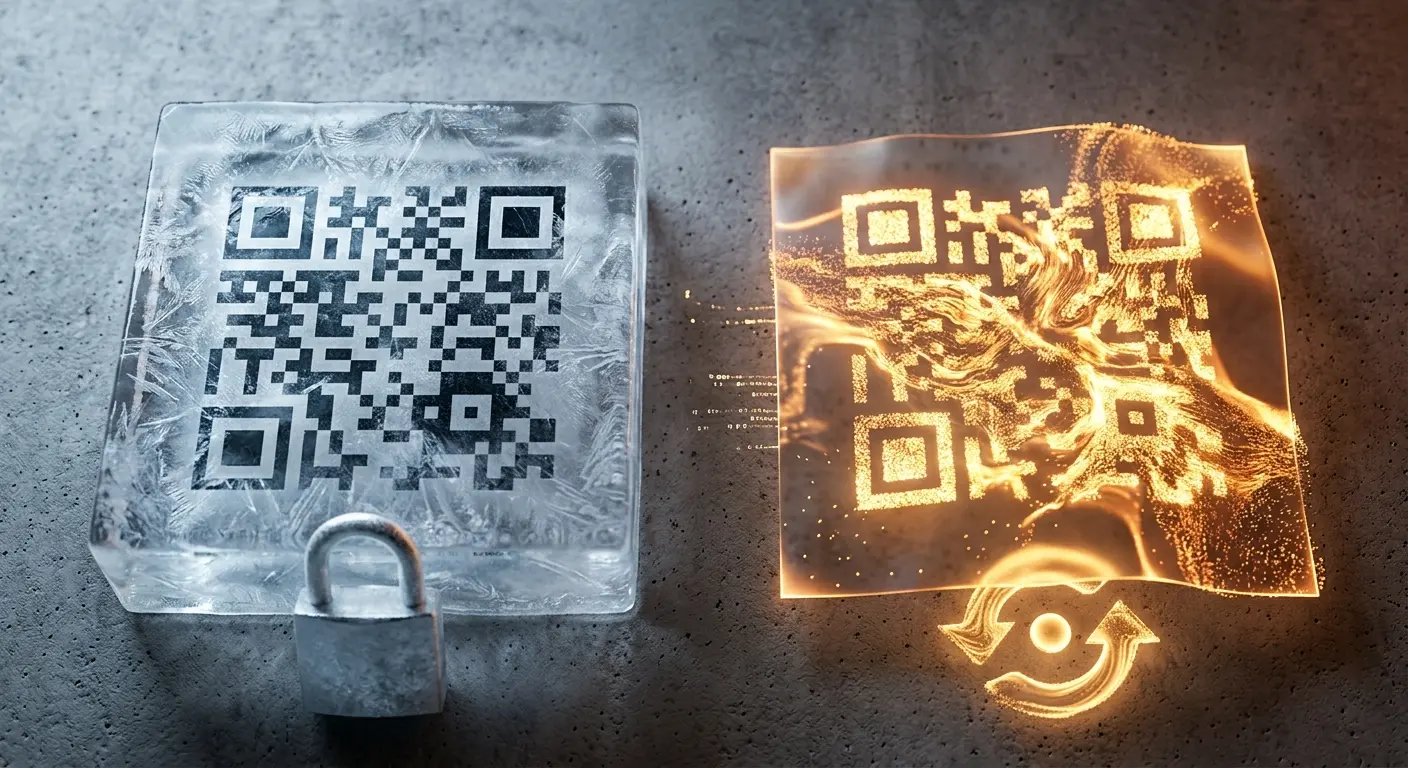
If your phone number or position changes, create a dynamic code with a free account – the code printed on your business card stays valid unchanged.

Your own branding

Colours and logo to match your corporate identity – instead of a generic standard QR code.

Frequently asked questions

Which fields can I include?

Name, phone, email, company, position, address and website – everything a classic business card contains.

Is the contact added to the address book automatically?

After scanning, the smartphone shows a preview and asks whether to save the contact.

Can I update the details later?

Not with a static code. With a free account you can create a dynamic code whose content you can change at any time – the printed code stays the same.

Can I add a photo?

The vCard itself does not support a photo, but you can place your company logo in the QR code design.

Does it also work on printed materials?

Yes, the code works regardless of the material – on paper, metal or plastic, as long as it is printed sharply.

Learn more

Ready for your own QR code?

Created in under a minute — right in your browser.

Create one now, free All QR code types